OpTeamsSECURITY OPERATIONS

BUILT FOR SECURITY OPERATIONS

OpTeamsSecurity operations management.

Connect every field task to every decision at your office. Bring your people, projects and operational records into one connected workflow.

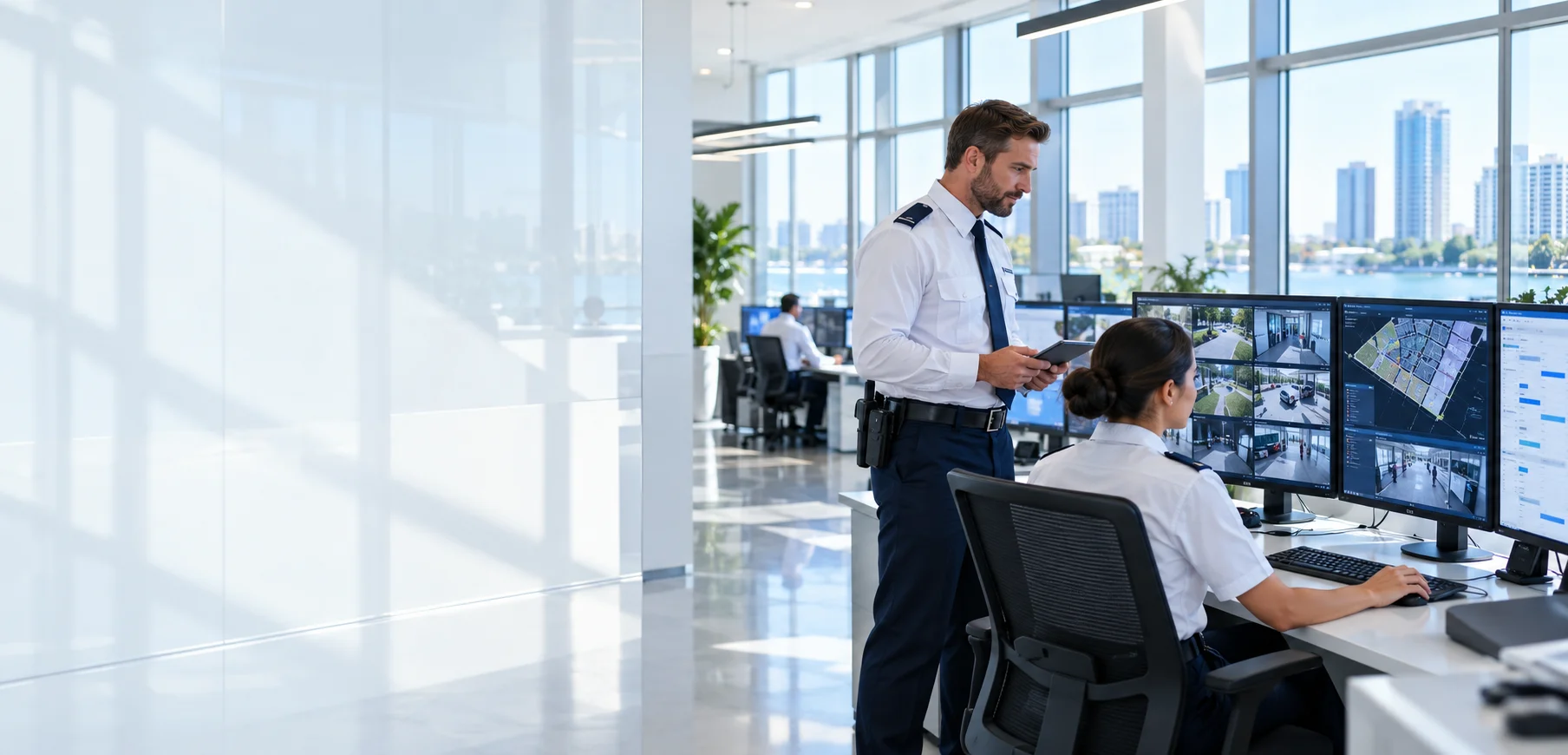
Illustrative operations environment

01 / SEE THE BIG PICTURE

Connected operations, not disconnected processes.

Start with a project. Assign the right team, collect field records and plan the next step using the same information.

01

Make field activity visible

Review patrol, audit and task records in their project context instead of searching through messages.
02

Keep your team aligned

Plan everyday work more clearly with personnel, shift and training information.

03

Move from records to reports

Combine notes, photographs and assessments to prepare customer-facing documentation.

02 / MODULES

Every step of your work. One platform.

Work with modules enabled by your company package and user permissions. Explore the workflow you need.
01QR Patrol ControlFollow patrol points, scan times and officer records together.
Bring field checks into view.
02Field AuditsAuditor, findings, photographs and operational notes in one workflow.
Turn scattered notes into traceable audit records.
03Risk AssessmentAssess site questions and prepare reports with scores, notes and images.
Make findings easier to review and follow up.
04Security Audit FileBring audit information and supporting documents into an organized file.
Prepare customer-facing documentation in one place.
05Self ChecksTrack assigned tasks, personnel submissions and completion status.
Make task follow-up part of daily operations.
06Panic ButtonBring personnel emergency notifications into your operations workflow.
Delivery depends on connectivity and device permissions; this does not replace emergency services.
07Personnel RecordsManage personnel, assignments, documents and project relationships centrally.
Access the personnel information you need in a structured way.
08Shift SchedulingOrganize personnel schedules by project and period.
Make schedules clear across teams.
09AttendanceReview period-based work records and manage attendance processes.
Review working records in a consistent format.
10TrainingTrack training content, assignments and personnel progress.
Keep training activity documented and traceable.
11Security Training InstitutionManage trainee registration, contracts, instalments, payments and certificate processes.
Follow each trainee from registration through documentation.
12Project ManagementCombine site, customer, contract and personnel information under a project.
Keep operational context connected.
13InventoryRecord equipment, stock, serial numbers and assignments.
Track where equipment is and who holds it.
14Project ProposalsPrepare proposal calculations based on personnel and working patterns.
Build a consistent proposal preparation process.
15AdministrationManage company operations and users from a central interface.
Connect administration with everyday work.
16Access ManagementDefine which modules and projects users can access.
Provide access suited to each team member’s responsibilities.
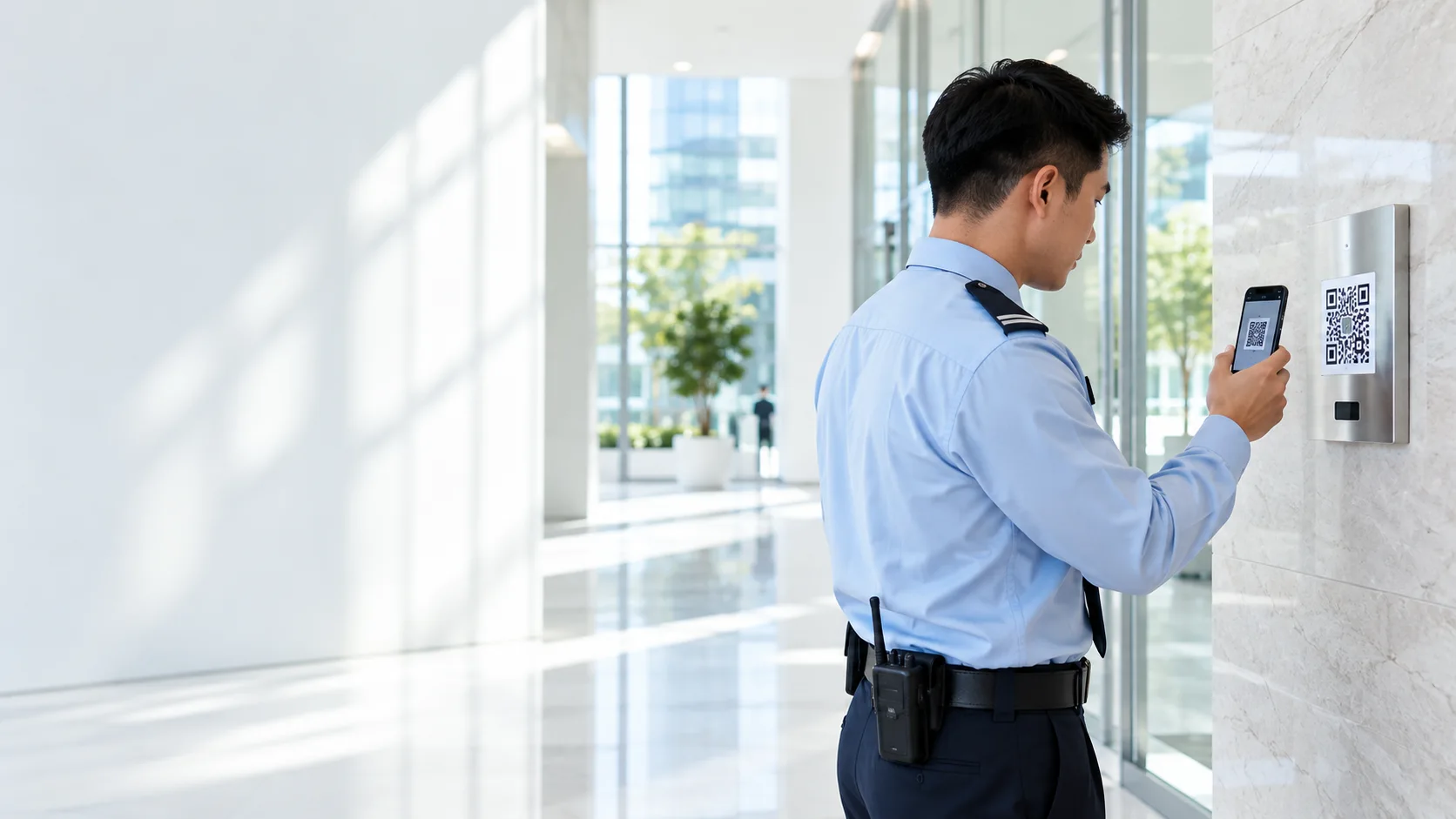
Security officer scanning a checkpoint QR code with a phone

FOLLOW EVERY FIELD CHECK

QR Patrol Control

Go beyond a completed patrol. Bring together who checked each point and when it happened.

  • Checkpoints and officer records
  • Scan date and time tracking
  • Organized patrol history by project
Explore QR patrol ↗
Illustrative usage scenario
Security team reviewing their work schedule together

KEEP YOUR TEAM ON THE SAME PLAN

People, shifts and training management.

Connect assignments, work schedules and training progress. Bring everyday planning beyond scattered lists.

  • Personnel and project relationships
  • Shift planning and attendance tracking
  • Training assignments and progress records
Explore shift scheduling ↗
Illustrative team planning environment

03 / YOUR WORKFLOW

Plan. Execute. Follow through.

01

Define the project

Bring site, team and task information together.

02

Prepare your team

Set permissions, shifts and training assignments.

03

Capture field records

Record patrol, inspection and audit results.

04

Review the results

Review records, prepare reports and plan what comes next.

STAY IN CONTROL

The right workspace. For the right person.

Define responsibilities through company workspaces, user permissions and project access. Keep administration distinct from day-to-day operations.

Safe-use principles ↗

04 / YOUR QUESTIONS

Before you begin.

Who is OpTeams for?

It is designed for security company field and office teams, and record management workflows at security training institutions.

Can every user see every module?

No. Available modules depend on the company package; access depends on user and project permissions.

Can I use it on a phone?

The web interface adapts to mobile screens. Camera, location and notification workflows require the relevant device permissions and connectivity.

How are records backed up?

An authorized super admin can select the scope in the installed backup module to back up data and documents. Restore requires version compatibility checks and testing; a data backup is not a complete server image.

Do certificates and reports replace official approval?

No. The platform supports record and document preparation. Official issuance, validation and approval remain with authorized institutions and persons.

OPTEAMS

Your operation’s next step.

Sign in to your company account ↗